📚
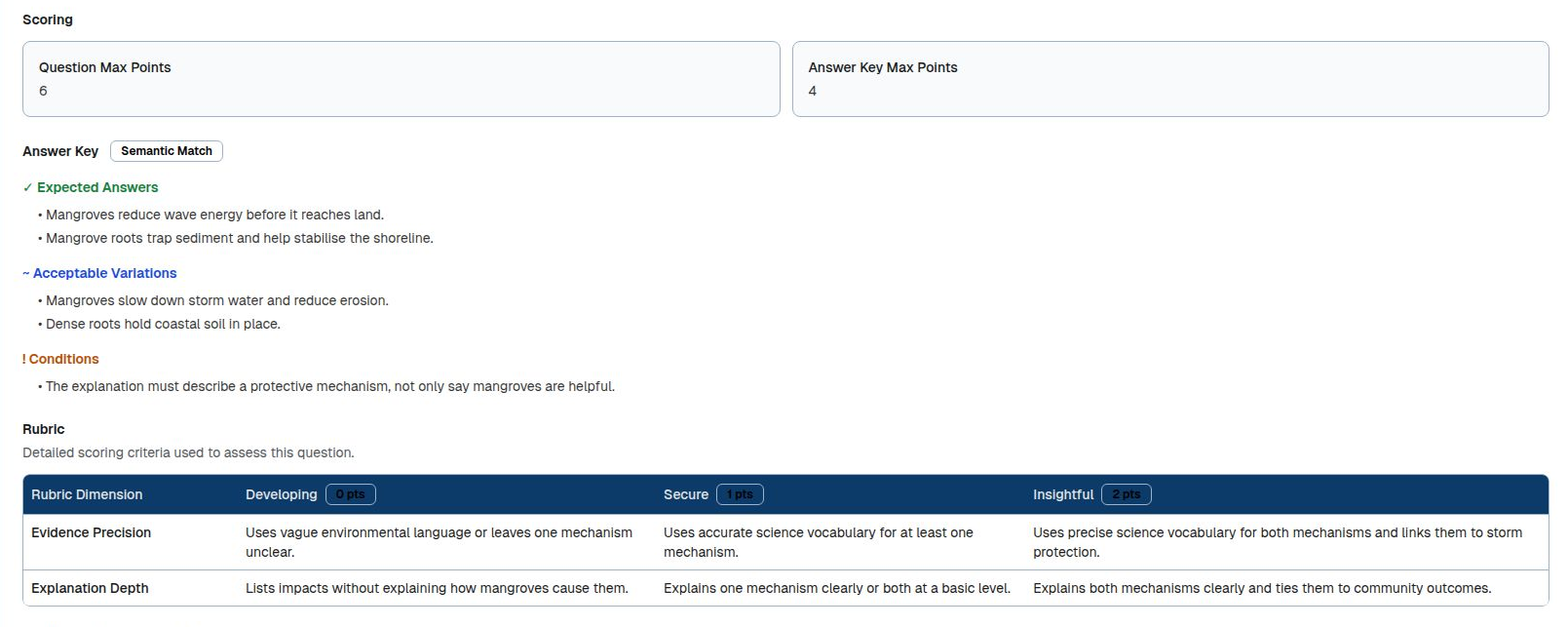
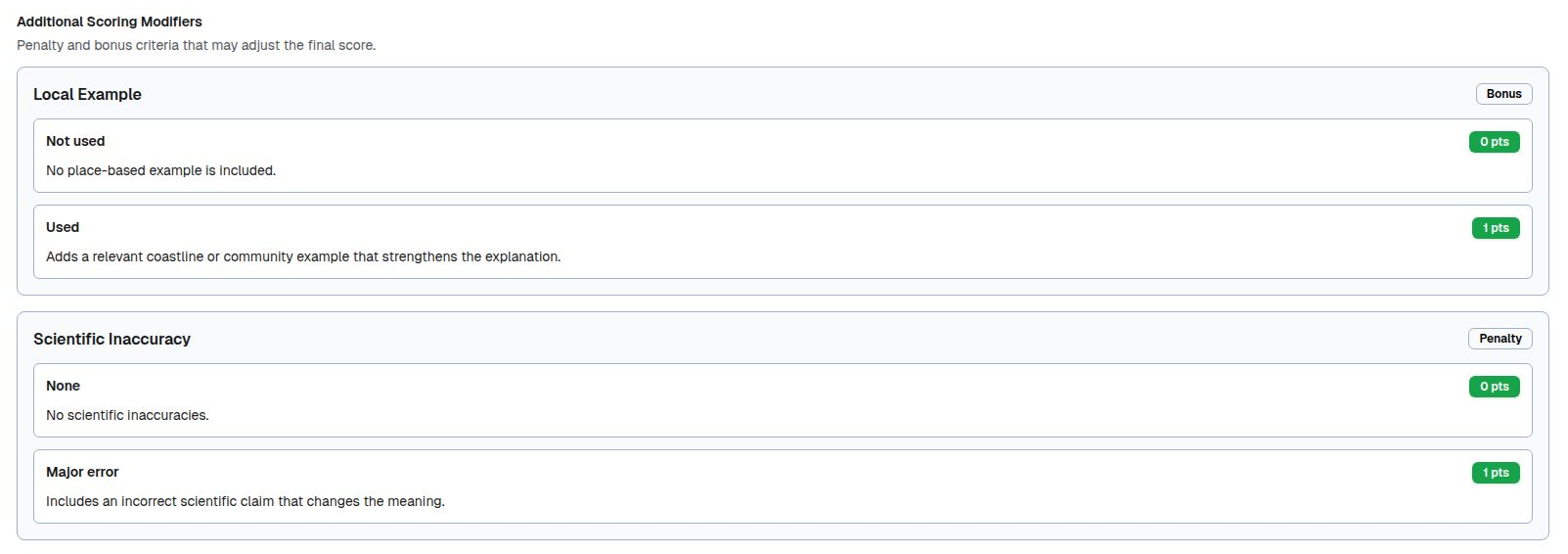
Subject Context for Classroom-Aligned Grading
You can now provide subject name, unit/topic, education level, curriculum references, and question-level guidance so SmartGradr grades against the context you actually taught.
✏️
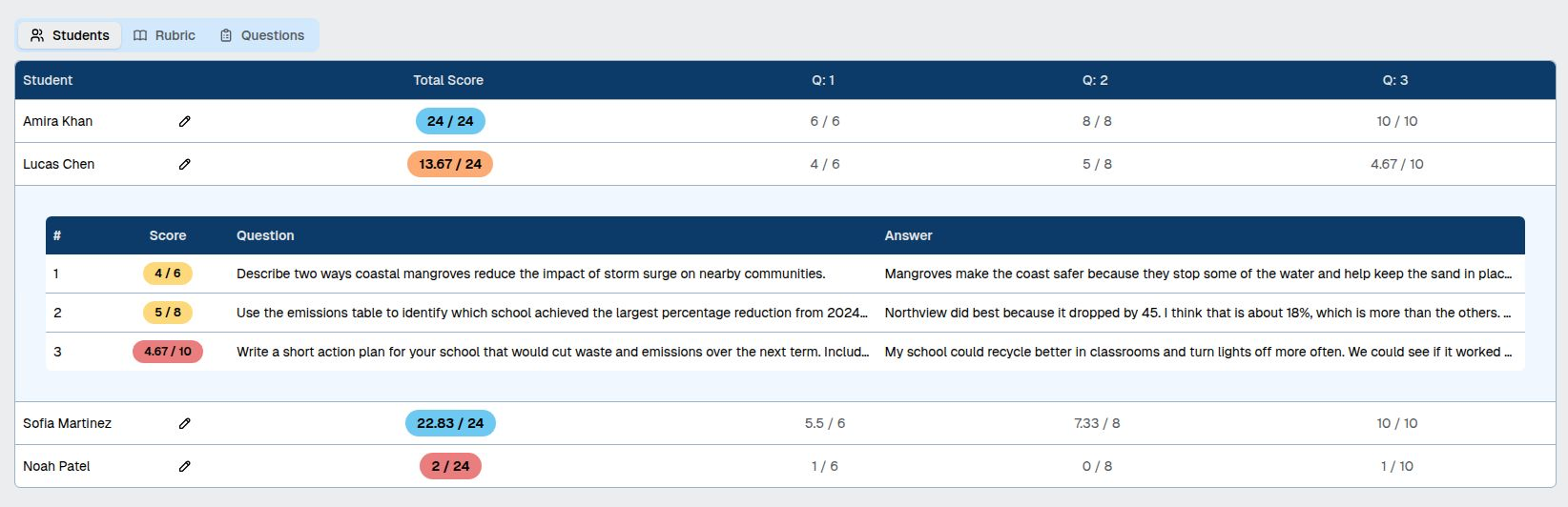
Edit Student Names — Finally
Incorrectly read names have been one of the most-reported pain points. Now you can fix them in two ways: Single mode lets you retype a name inline; Bulk mode lets you paste a full newline-separated list — SmartGradr maps each existing name to its replacement and flags mismatches before anything is applied.
⏳
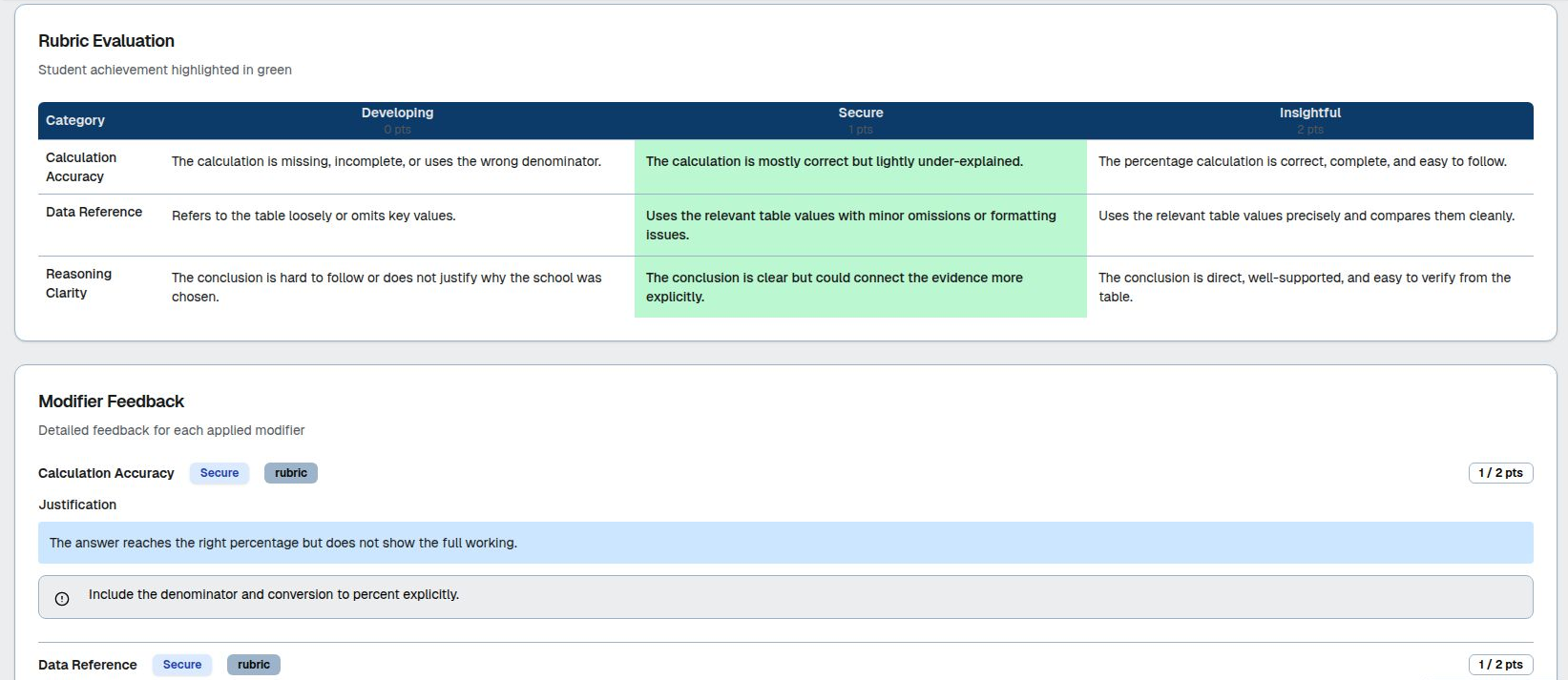
Real-Time Grading Progress
A step-by-step progress indicator is now shown throughout every grading session — from reading uploaded files, to running the AI, to calculating final scores. No more guessing what SmartGradr is doing or how long is left.
🏠
A Refreshed Dashboard
The home page has a new look: an updated layout, a recent activity section that surfaces your latest grading sessions at a glance, and improved navigation to get you where you need to go faster.